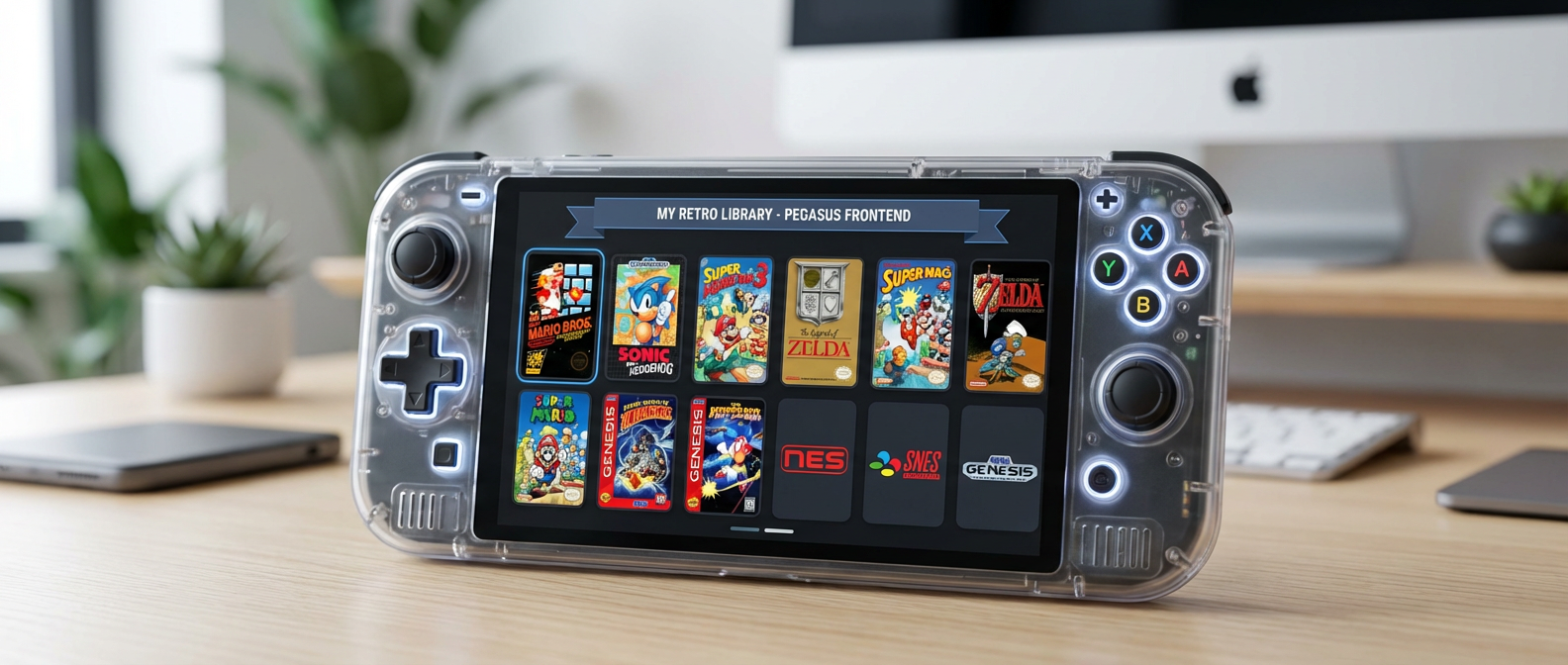
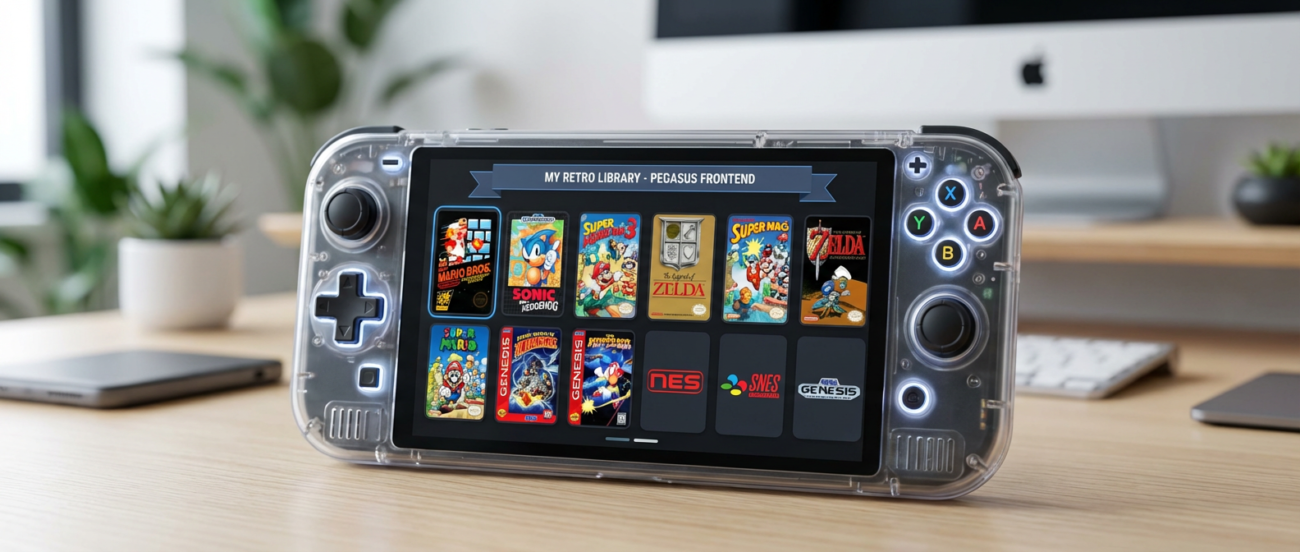
Pegasus FrontendHow to Use Pegasus Frontend on Handheld Consoles (Premium Guide) Posted by gamescard4you@gmail.com June 13, 2026 On June 6, 2026 0 Share: How to Use Pegasus Frontend on Retroid, Anbernic, Odin, and PowkiddyPegasus Frontend is a customizable interface that makes navigating your retro library simple and visually appealing. Compatible with Linux and Android handhelds, it allows you to launch games directly from a clean, organized menu.Want pre-configured Pegasus Frontend with all emulators and ROMs for RG556 ready to go?Check out Gamescard4you.com — the easiest way to have your handheld fully optimized for gaming.Step 1 — Install PegasusAndroid Devices: Download APK from Pegasus official websiteLinux (JELOS, ArkOS, EmuELEC): Use apt or download latest .tar.gzLaunch the app after installationStep 2 — Configure ROM FoldersAdd console ROM directories in Settings → SourcesExample structure:/ROMS/NES /ROMS/SNES /ROMS/PS1 /ROMS/PS2 /ROMS/GBA Include BIOS folder if neededStep 3 — Add EmulatorsGo to Settings → EmulatorsAssign each emulator executable to its consoleTest launch for one game per systemStep 4 — Download Artwork and MetadataPegasus can scrape box art, banners, and screenshotsSettings → Metadata → Automatic downloadSupports multiple databasesStep 5 — Customize InterfaceThemes: Choose light, dark, or custom skinsLayouts: Grid, list, or carouselBackground: Animated or staticStep 6 — Optimize PerformanceReduce animation effects on low-end handheldsEnable caching of metadata for faster navigationAdjust resolution to match screen for best clarityStep 7 — Use HotkeysConfigure hotkeys for:Quick launch menuSave/Load stateFast forwardShader toggleStep 8 — Advanced TipsCombine with RetroArch playlists for automatic game detectionOrganize ROMs by region or genreKeep SD card backup to restore settings if neededCTAWant pre-configured Pegasus Frontend with all emulators and ROMs for RG556 ready to go?Check out Retrocardpro.com — the easiest way to have your handheld fully optimized for gaming. Newer Transform Your AYN Odin 2 with the Amazing ROCKNIX TF Game Card – Plug & Play Retro OS” Back to list Older Odin 2 – Complete Android Setup Tutorial (Premium Guide) Related posts 01 Aug Anbernic, AYN Odin, Powkiddy, Retroid Pocket Gamescom 2026: The Biggest Retro Gaming and Handheld Highlights Posted by gamescard4you@gmail.com August 1, 2026 0 Continue reading 01 Aug AYN Odin AYN Odin Optimization Guide: Boost Gaming Performance Posted by gamescard4you@gmail.com August 1, 2026 0 Continue reading 15 Jul Anbernic, AYN Odin, Pegasus Frontend, Powkiddy, Retroid Pocket How to Choose the Right Retro Gaming SD Card Posted by gamescard4you@gmail.com July 15, 2026 0 Continue reading 06 Jun AYN Odin Transform Your AYN Odin 2 with the Amazing ROCKNIX TF Game Card – Plug & Play Retro OS” Posted by gamescard4you@gmail.com June 13, 2026 0 Continue reading 06 Jun Pegasus Frontend How to Use Pegasus Frontend on Handheld Consoles (Premium Guide) Posted by gamescard4you@gmail.com June 13, 2026 0 Continue reading 06 Jun AYN Odin Odin 2 – Complete Android Setup Tutorial (Premium Guide) Posted by gamescard4you@gmail.com June 13, 2026 0 Continue reading 06 Jun Powkiddy Powkiddy RGB30 – Best Settings Guide Posted by gamescard4you@gmail.com June 13, 2026 0 Continue reading 06 Jun Anbernic How to Set Up Anbernic RG35XX-H System Card Posted by gamescard4you@gmail.com June 13, 2026 0 Continue reading 06 Jun Retroid Pocket Retroid Pocket 5 – Complete Starter Guide Posted by gamescard4you@gmail.com June 13, 2026 0 Continue reading 06 Jun Anbernic The Best Anbernic Handheld Consoles for 2026 Gaming – Complete Guide Posted by gamescard4you@gmail.com June 13, 2026 0 Continue reading 06 Jun Retroid Pocket Best Retroid Pocket Handheld Consoles 2026 – Top Picks for Retro Gaming Posted by gamescard4you@gmail.com June 13, 2026 0 Continue readingLeave a Reply Cancel replyYour email address will not be published. Required fields are marked *Comment *Name * Email * Website Save my name, email, and website in this browser for the next time I comment.
01 Aug Anbernic, AYN Odin, Powkiddy, Retroid Pocket Gamescom 2026: The Biggest Retro Gaming and Handheld Highlights Posted by gamescard4you@gmail.com August 1, 2026 0 Continue reading
01 Aug AYN Odin AYN Odin Optimization Guide: Boost Gaming Performance Posted by gamescard4you@gmail.com August 1, 2026 0 Continue reading
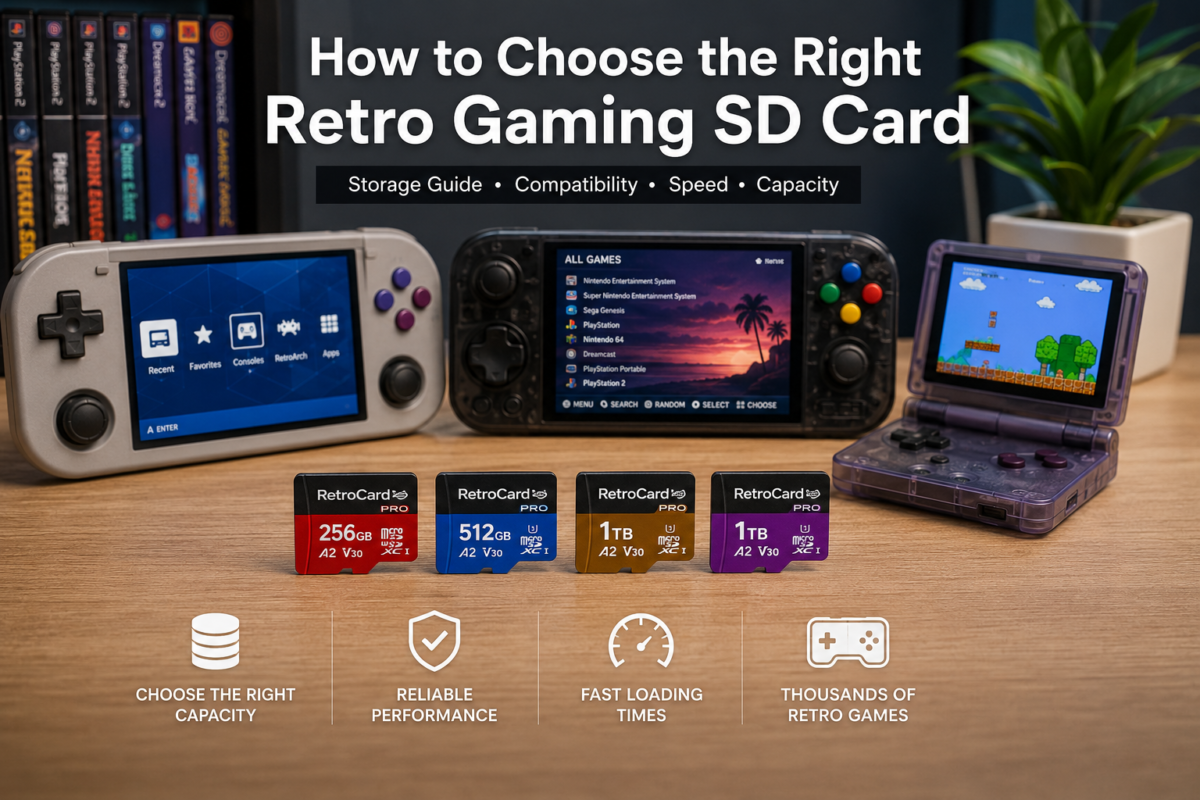
15 Jul Anbernic, AYN Odin, Pegasus Frontend, Powkiddy, Retroid Pocket How to Choose the Right Retro Gaming SD Card Posted by gamescard4you@gmail.com July 15, 2026 0 Continue reading
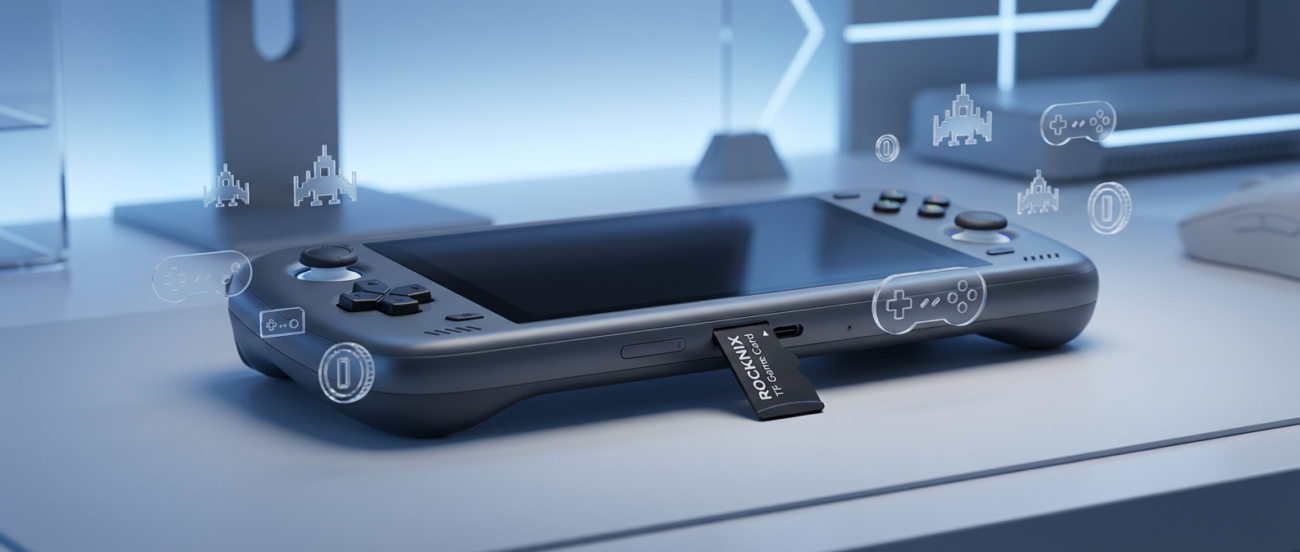
06 Jun AYN Odin Transform Your AYN Odin 2 with the Amazing ROCKNIX TF Game Card – Plug & Play Retro OS” Posted by gamescard4you@gmail.com June 13, 2026 0 Continue reading
06 Jun Pegasus Frontend How to Use Pegasus Frontend on Handheld Consoles (Premium Guide) Posted by gamescard4you@gmail.com June 13, 2026 0 Continue reading
06 Jun AYN Odin Odin 2 – Complete Android Setup Tutorial (Premium Guide) Posted by gamescard4you@gmail.com June 13, 2026 0 Continue reading
06 Jun Powkiddy Powkiddy RGB30 – Best Settings Guide Posted by gamescard4you@gmail.com June 13, 2026 0 Continue reading
06 Jun Anbernic How to Set Up Anbernic RG35XX-H System Card Posted by gamescard4you@gmail.com June 13, 2026 0 Continue reading
06 Jun Retroid Pocket Retroid Pocket 5 – Complete Starter Guide Posted by gamescard4you@gmail.com June 13, 2026 0 Continue reading
06 Jun Anbernic The Best Anbernic Handheld Consoles for 2026 Gaming – Complete Guide Posted by gamescard4you@gmail.com June 13, 2026 0 Continue reading
06 Jun Retroid Pocket Best Retroid Pocket Handheld Consoles 2026 – Top Picks for Retro Gaming Posted by gamescard4you@gmail.com June 13, 2026 0 Continue reading