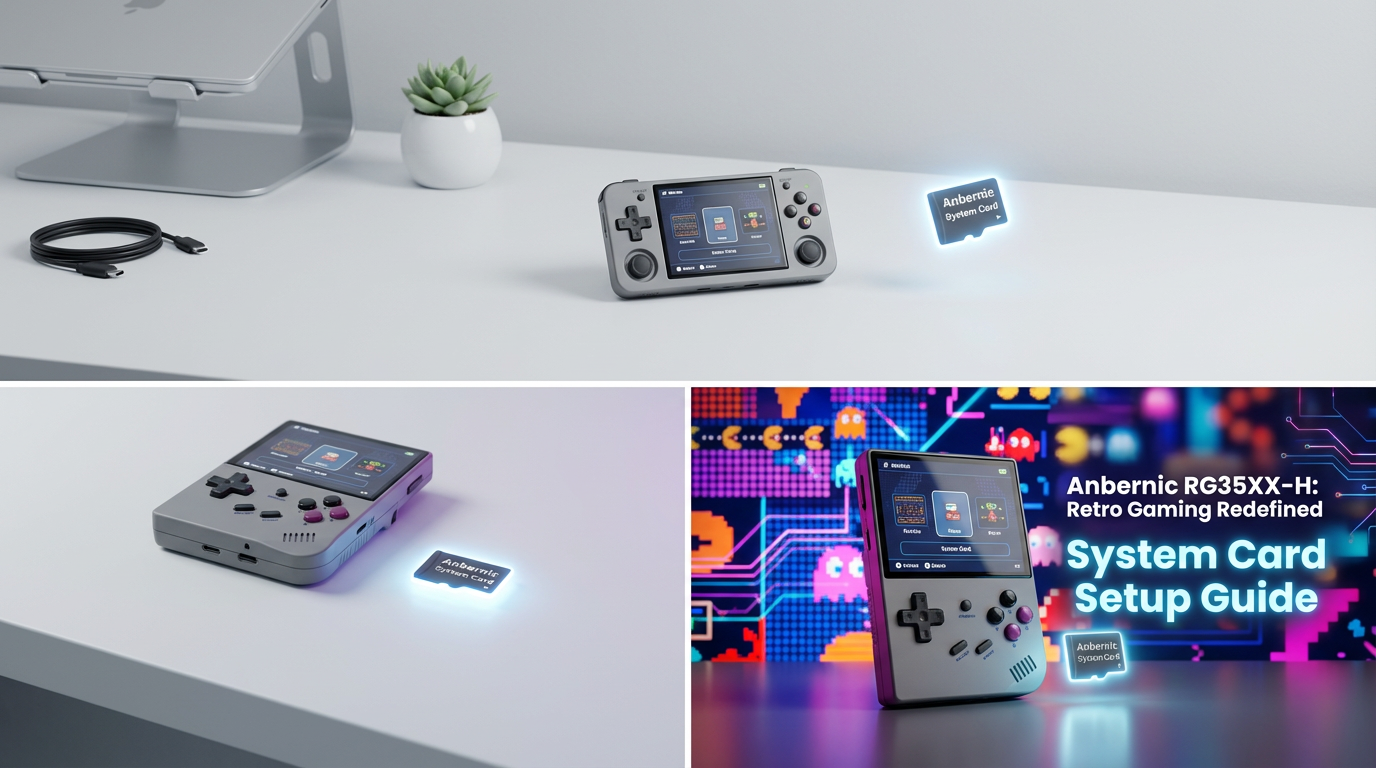
How to Set Up Anbernic RG35XX-H System Card (Full Guide)
The Anbernic RG35XX-H is one of the most powerful horizontal handhelds from Anbernic, running a Linux-based OS that delivers excellent performance for 8-bit, 16-bit, and PlayStation 1 emulation. Setting up the system card properly ensures smooth performance, fast boot, stable emulation, and correct game organization.
This guide will take you step-by-step through creating, configuring, and optimizing the perfect system card for your RG35XX-H.
Want a fully prepared system card for RG35XX-H, with OS + Emulators + Organized Folders?
Check out our ready-to-use cards for Anbernic consoles.
Choosing the Right SD Cards
System Card vs Game Card
The RG35XX-H uses two SD cards:
- TF1 → System card (OS + system files)
- TF2 → Game card (ROMs + BIOS files)
Recommended Specs
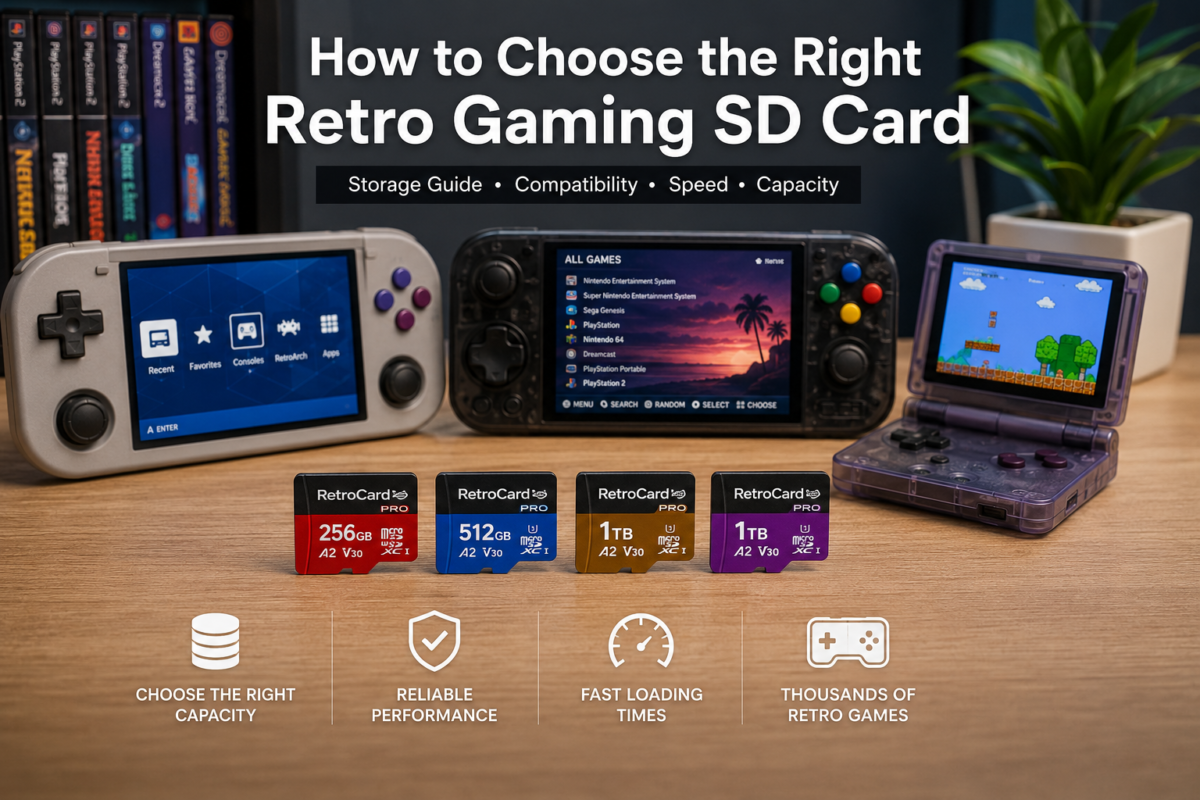
- System card: 16–64GB
- Game card: 128GB, 256GB, 512GB
- Format: FAT32
- Speed: A1 or A2 rated
Downloading the Correct Firmware
Go to the official Anbernic website or trusted community sources and download:
- Stock OS
- GarlicOS (if available)
- Knulli
- MuOS
Each OS has strengths:
- Stock OS: simple, beginner-friendly
- GarlicOS: lightweight, fast, highly customizable
- Knulli: beautiful, very organized
- MuOS: feature-rich
Preparing the System Card
Step 1 – Format the SD Card
Format TF1 using FAT32:
- Use Rufus or BalenaEtcher
- Avoid exFAT
- Check for errors before flashing
Step 2 – Flash the OS
Extract the firmware .img file
Use BalenaEtcher:
- Select image
- Select TF1
- Flash
- Wait for validation
Step 3 – First Boot
Insert TF1 → power on → system initializes automatically.
Want a fully prepared system card for RG35XX-H, with OS + Emulators + Organized Folders?
Check out our ready-to-use cards for Anbernic consoles.
Preparing the Game Card (TF2)
Folder Structure
Use a clean structure:
/ROMS/GB
/ROMS/GBA
/ROMS/PS1
/ROMS/MAME
/BIOS
BIOS Setup
Required BIOS (legally obtained):
- PS1 → scph5501.bin
- GBA → bios.bin
- Sega CD → bios_CD_U.bin
Want a fully prepared system card for RG35XX-H, with OS + Emulators + Organized Folders?
Check out our ready-to-use cards for Anbernic consoles.
Optimizing Emulation
RetroArch Settings
- Video → Threaded Video: ON
- VSync: ON
- Shader Passes: OFF for performance
- Auto Save/Load: ON
PS1 Settings
- Renderer: Software → stable
- Internal resolution: 1× (best)
- Texture smoothing: OFF
Troubleshooting
Black Screen on Boot
- Corrupt TF1
- Wrong OS version
- Flashing incomplete
Games Not Showing
- Wrong folder names
- Database not refreshed
- Missing BIOS
CTA
Want a fully prepared system card for RG35XX-H, with OS + Emulators + Organized Folders?
Check out our ready-to-use cards for Anbernic consoles.