Skip to navigation Skip to main content
FREE SHIPPING FOR ALL ORDERS OF $ 300
  • Blog
  • About Us
  • Contact Us
logo retrocard game pro
Sign in Create an Account

Lost your password?

logo retrocard game pro
Discounts
Sign in Create an Account

Lost your password?

0
0 items
HomeArticles Posted by gamescard4you@gmail.com

Posts by gamescard4you@gmail.com

Gamescom 2026: The Biggest Retro Gaming & Handheld News
01 Aug
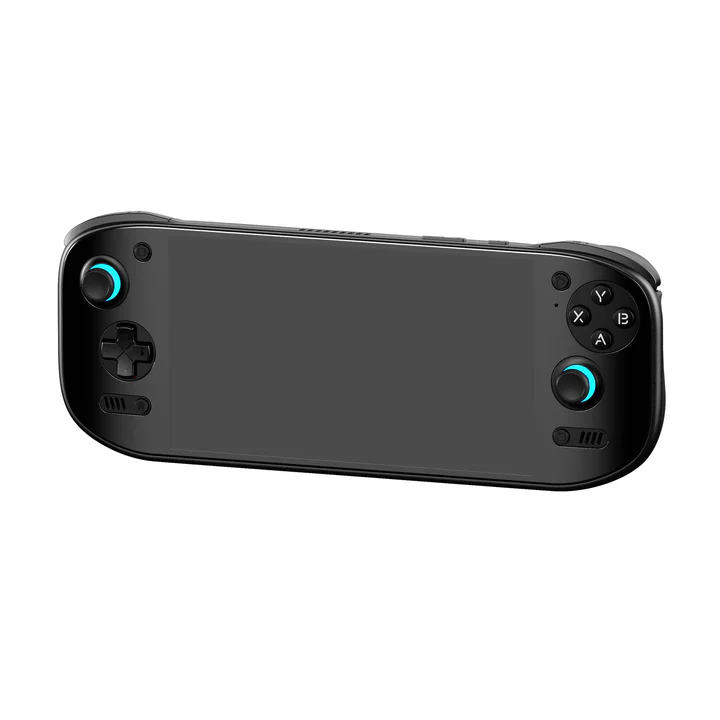
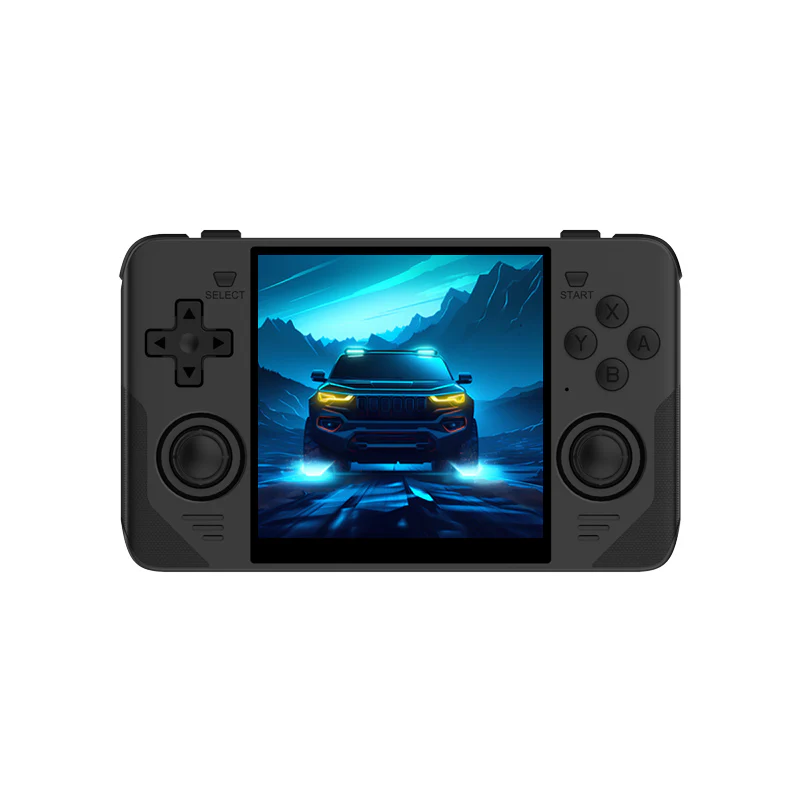
Anbernic, AYN Odin, Powkiddy, Retroid Pocket

Gamescom 2026: The Biggest Retro Gaming and Handheld Highlights

Posted by author-avatar gamescard4you@gmail.com
August 1, 2026
0
Continue reading
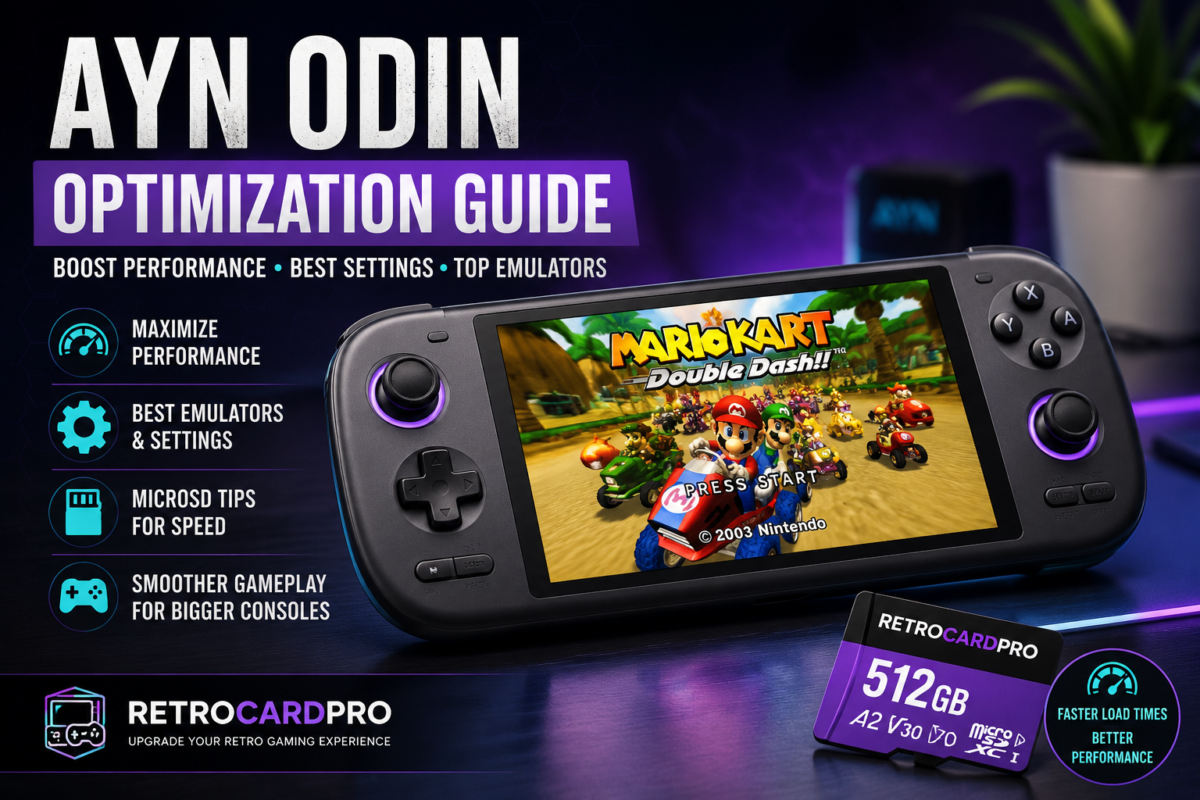
# How to Optimize Your AYN Odin for the Best Gaming Performance The AYN Odin is one of the most powerful Android handheld gaming consoles available for retro gaming enthusiasts. Whether you're emulating classic Nintendo, Sega, PlayStation, or even GameCube and PlayStation 2 titles, the Odin offers an impressive balance of performance, portability, and battery life. However, getting the best experience requires more than simply installing your favorite emulators. In this guide, you'll learn how to optimize your AYN Odin for smoother gameplay, faster loading times, and improved overall performance. --- ## 1. Keep Your System Updated Before making any performance tweaks, make sure your AYN Odin is running the latest firmware. System updates often include Performance improvements Bug fixes Better emulator compatibility Enhanced battery optimization Security updates You should also keep your emulators updated through the Google Play Store or their official websites. --- ## 2. Use a High-Speed microSD Card A fast microSD card significantly improves loading times and overall system responsiveness. For the best experience, choose a card with the following specifications UHS-I A2 Application Performance Class V30 or higher A slow memory card can lead to Longer game loading times Slower ROM browsing Reduced performance when loading large textures Delays when launching games For users looking for a plug-and-play solution, RetroCardPro offers pre-configured microSD cards specifically prepared for the AYN Odin, allowing you to start playing immediately without complicated setup. --- ## 3. Install the Best Emulators Choosing the right emulator makes a noticeable difference in performance. Recommended emulators include ### Nintendo GameCube & Wii Dolphin MMJR Dolphin Emulator ### PlayStation 2 NetherSX2 ### Nintendo 3DS Lime3DS ### PSP PPSSPP ### Dreamcast Flycast ### Nintendo DS melonDS ### PlayStation (PS1) DuckStation Each emulator receives frequent updates that improve compatibility and speed. --- ## 4. Optimize Graphics Settings Increasing the internal resolution improves image quality but also requires more processing power. Recommended settings ### GameCube & Wii Backend Vulkan Internal Resolution 2x or 3x Disable V-Sync if extra performance is needed ### PlayStation 2 Vulkan Renderer 2x Internal Resolution Basic Blending Accuracy ### PSP 3x or 4x Rendering Resolution Keep Frame Skip disabled These settings provide an excellent balance between visual quality and stable frame rates. --- ## 5. Enable Performance Mode The AYN Odin includes different power profiles. For demanding systems such as PlayStation 2 GameCube Wii Enable Performance Mode to maximize CPU and GPU performance. For older consoles like NES, SNES, Genesis, or Game Boy, Standard Mode is sufficient and helps preserve battery life. --- ## 6. Use a Frontend A frontend creates a polished, console-like experience. Popular options include ES-DE Daijisho Beacon Launcher Benefits include Automatic game organization Box art downloads Quick game launching Clean user interface Better overall navigation --- ## 7. Manage Your Storage Avoid filling your microSD card completely. Keeping at least 10–15% of the storage free helps maintain fast read and write speeds. Organize ROMs into clearly labeled folders by console for easier frontend scanning. --- ## 8. Close Background Applications Running unnecessary applications in the background consumes RAM and CPU resources. For maximum emulator performance Close unused apps Disable unnecessary background services Restart your device occasionally before long gaming sessions This frees additional system resources for demanding emulators. --- ## 9. Recommended Settings by Console Console Difficulty Recommended Settings ------------- ---------- -------------------- NES Very Easy Default settings SNES Very Easy 4x Resolution Sega Genesis Very Easy Default PlayStation Easy DuckStation 4x Dreamcast Easy Flycast Vulkan PSP Easy PPSSPP 3x GameCube Medium Dolphin Vulkan 2x Wii Medium Dolphin Vulkan 2x PlayStation 2 Medium NetherSX2 2x Nintendo 3DS Demanding Lime3DS 1x–2x --- ## Final Thoughts The AYN Odin is one of the best Android handheld consoles for retro gaming. With the right emulators, optimized graphics settings, a high-speed microSD card, and proper system configuration, you can enjoy smooth gameplay across thousands of classic titles. If you'd rather skip the setup process, RetroCardPro offers ready-to-use microSD cards designed specifically for the AYN Odin. Each card is carefully configured with optimized emulators, organized game libraries, and a plug-and-play experience, allowing you to spend less time configuring and more time gaming.
01 Aug
AYN Odin

AYN Odin Optimization Guide: Boost Gaming Performance

Posted by author-avatar gamescard4you@gmail.com
August 1, 2026
0
Continue reading
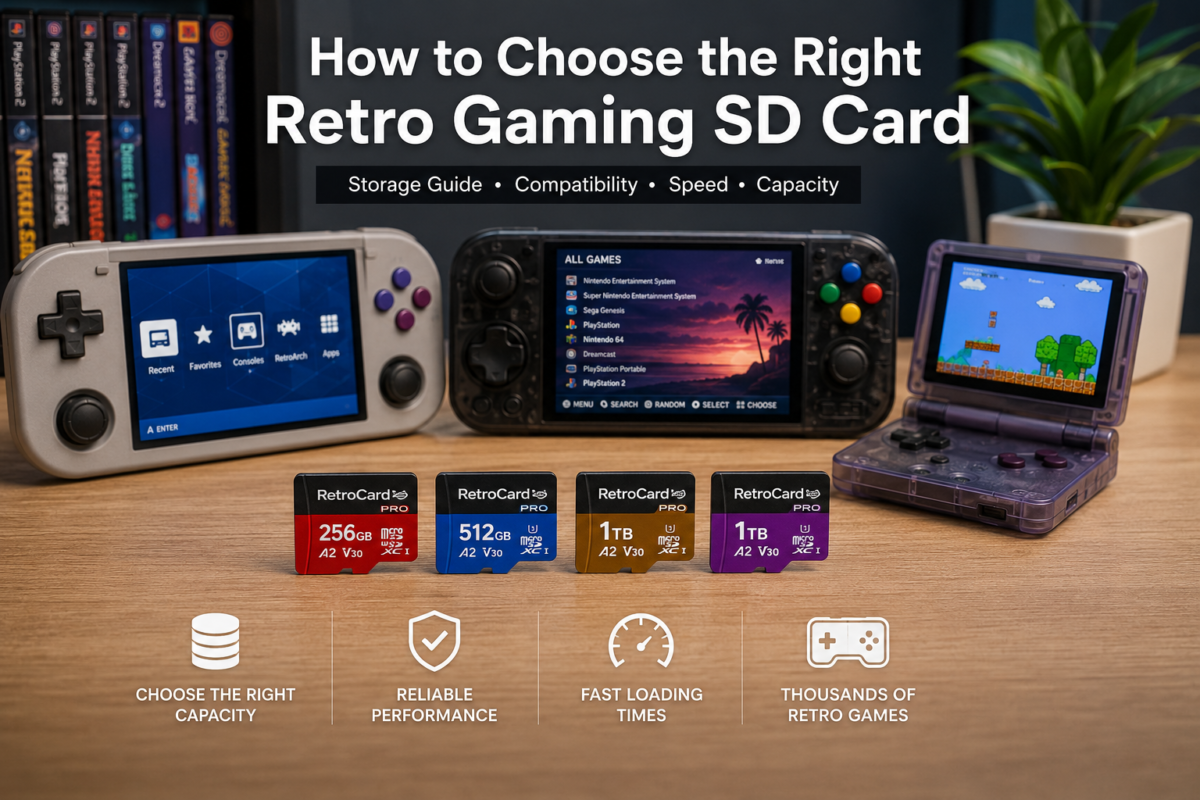
How to Choose the Right Retro Gaming SD Card for Handheld Consoles
15 Jul
Anbernic, AYN Odin, Pegasus Frontend, Powkiddy, Retroid Pocket

How to Choose the Right Retro Gaming SD Card

Posted by author-avatar gamescard4you@gmail.com
July 15, 2026
0
Continue reading
https://gamescard4you.com/wp-content/uploads/2025/12/ROCKNIX-TF-Game-Card-for-AYN-Odin-2-–-The-Ultimate-Plug-and-Play-Experience-Full-Guide.png
06 Jun
AYN Odin

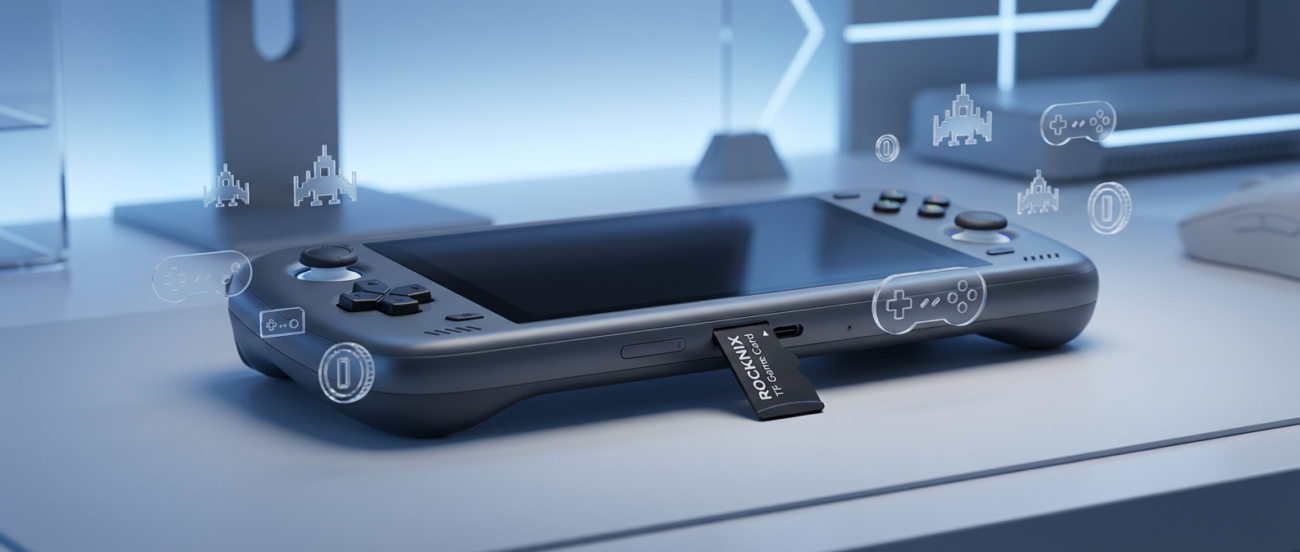
Transform Your AYN Odin 2 with the Amazing ROCKNIX TF Game Card – Plug & Play Retro OS”

Posted by author-avatar gamescard4you@gmail.com
June 13, 2026
0
Continue reading

Pegasus Frontend on Handheld Consoles
06 Jun
Pegasus Frontend

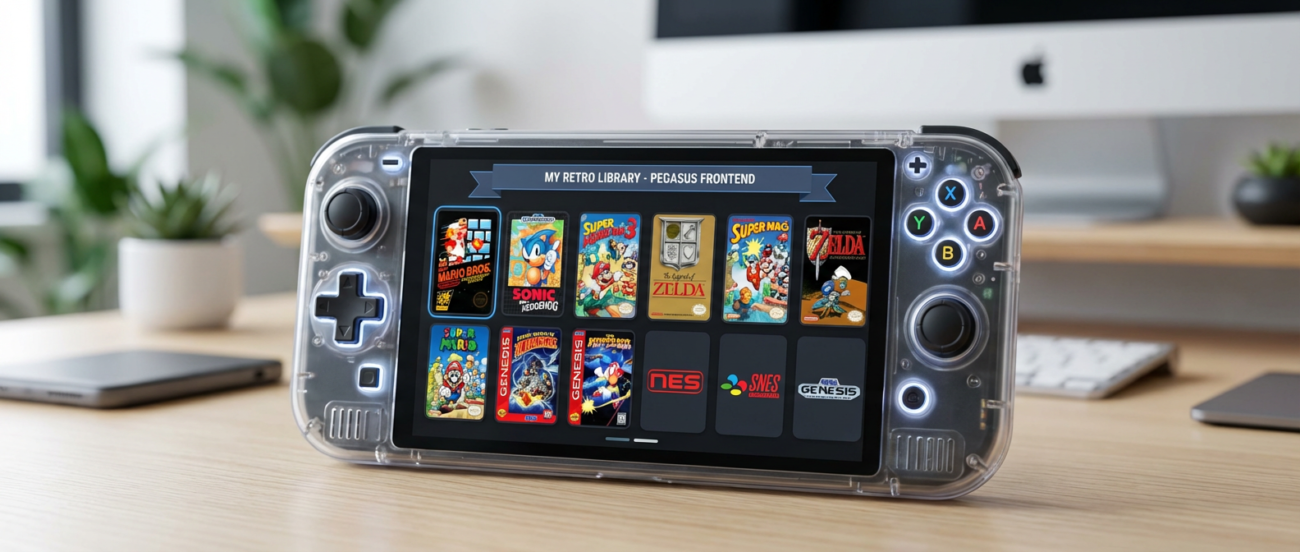
How to Use Pegasus Frontend on Handheld Consoles (Premium Guide)

Posted by author-avatar gamescard4you@gmail.com
June 13, 2026
0
Continue reading

AYN ODIN 2
06 Jun
AYN Odin

Odin 2 – Complete Android Setup Tutorial (Premium Guide)

Posted by author-avatar gamescard4you@gmail.com
June 13, 2026
0
Continue reading
Powkiddy RGB30
06 Jun
Powkiddy

Powkiddy RGB30 – Best Settings Guide

Posted by author-avatar gamescard4you@gmail.com
June 13, 2026
0
Continue reading
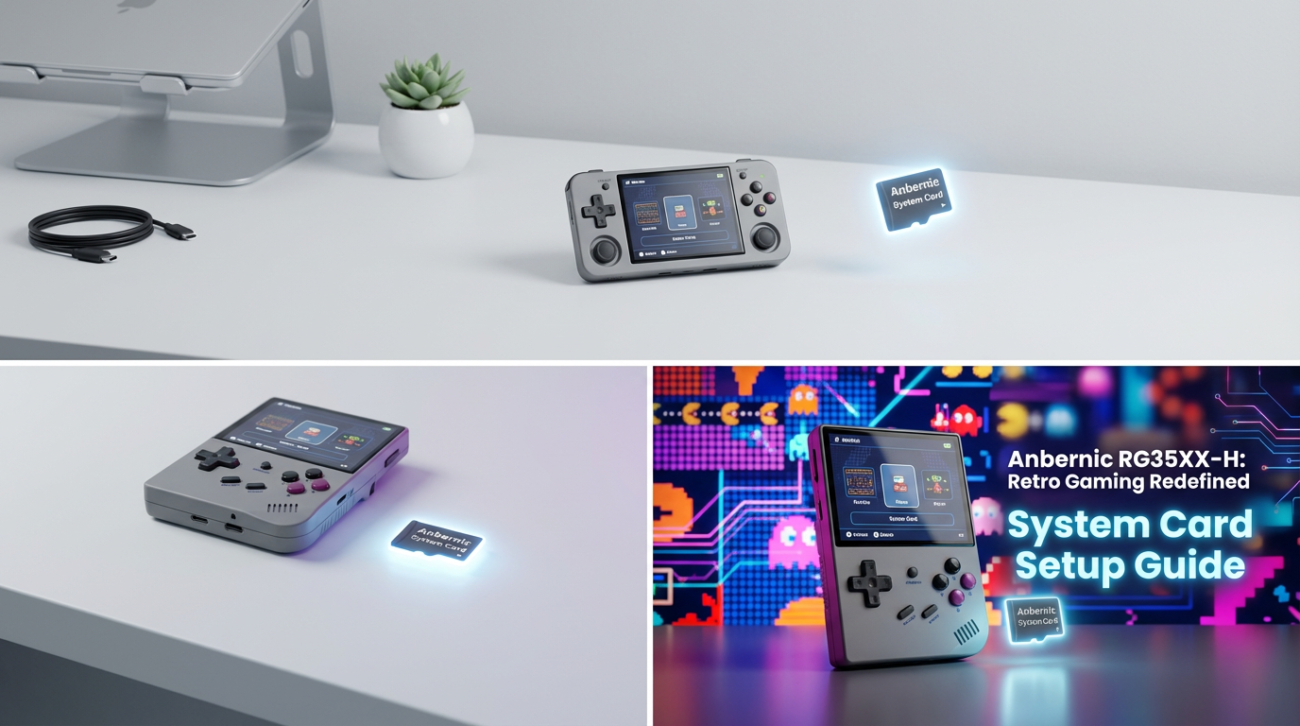
How-to-Set-Up-Anbernic-RG35XX-H-System-Card
06 Jun
Anbernic

How to Set Up Anbernic RG35XX-H System Card

Posted by author-avatar gamescard4you@gmail.com
June 13, 2026
0
Continue reading
Retroid-Pocket-5-Complete-Guide
06 Jun
Retroid Pocket

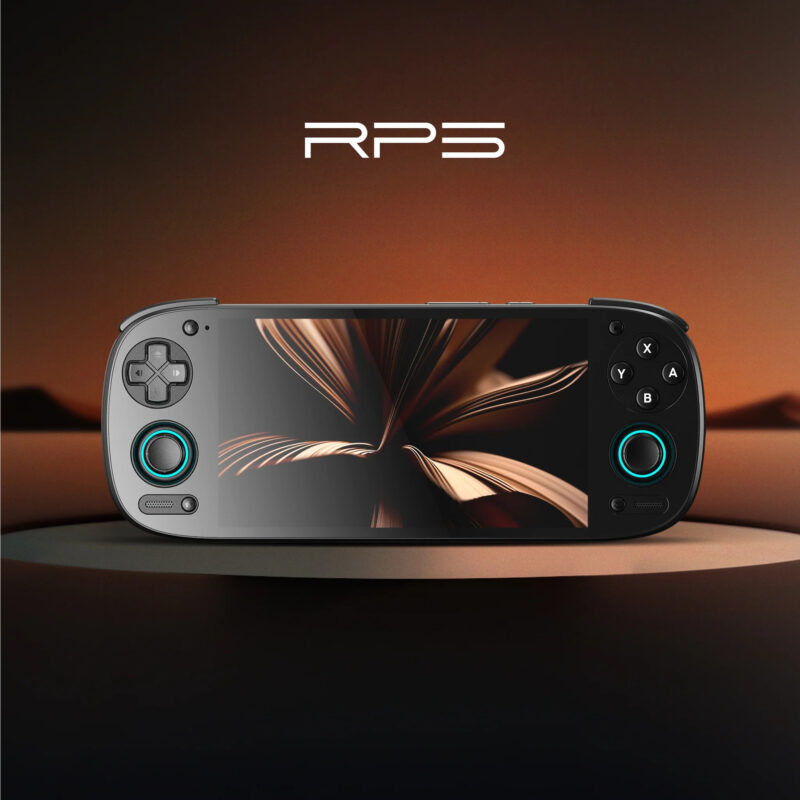
Retroid Pocket 5 – Complete Starter Guide

Posted by author-avatar gamescard4you@gmail.com
June 13, 2026
0
Continue reading
Top Best Anbernic Handheld Consoles for 2025 Gaming – Complete Guide
06 Jun
Anbernic

The Best Anbernic Handheld Consoles for 2026 Gaming – Complete Guide

Posted by author-avatar gamescard4you@gmail.com
June 13, 2026
0
Continue reading
  • 1
  • 2
logo retrocard game pro

Address:

USA: 2125 Gateway Blvd, Hebron, KY 41048

GB: Unit 6 Nexus Point, Elliot Way , B6 7AP , Birmingham 

Contact:

Contact@retrocardpro.com

Useful Links
    • About Us
    • Contact Us
    • Blog
Popular Categories
    • Handheld Consoles
    • Card For Anbernic
    • Card For Retroid
    • Card For Powkiddy
    • Card For AYN ODIN
    • Card For Windows
    • Shop

Join Our Mailing List

Receive any latest updates and promotions.

Will be used in accordance with our Privacy Policy

RetroCardPro © 2026 .
payments
  • Menu
  • Categories
  • Handheld Consoles
  • Card For Anbernic
  • Card For Retroid
  • Card For Powkiddy
  • Card For AYN ODIN
  • Card For Windows
  • Card for Android
  • Card For Other
  • Shop
  • Home
  • Blog
  • About Us
  • Contact Us
  • Wishlist
  • Compare
  • Login / Register
Shopping cart
Close
Menu
0 Wishlist
Compare
0 items Cart