How to Choose the Right Retro Gaming SD Card

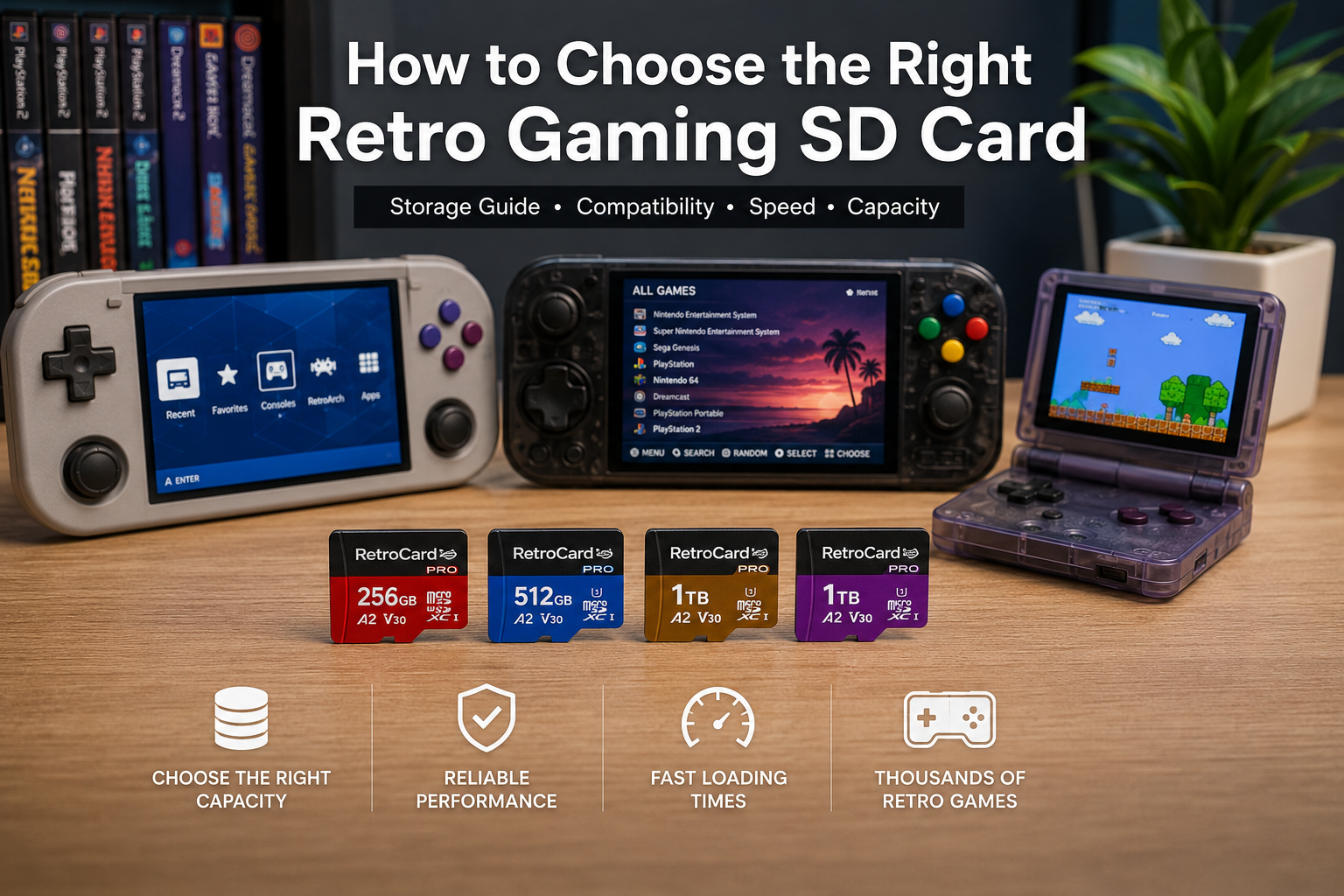
Choosing the right retro gaming SD card can make a huge difference in your gaming experience. Whether you’re playing classic NES titles, PlayStation 2 games, or modern handheld emulators, the right microSD card ensures faster loading times, reliable storage, and thousands of games at your fingertips.
In this guide, we’ll explain everything you need to know before buying a retro gaming SD card.
Why Your SD Card Matters
A retro gaming SD card is more than just storage. It contains your operating system, emulators, game library, BIOS files, save data, and system settings. A poor-quality card can lead to slow performance, corrupted files, or even data loss.
A high-quality microSD card offers:
- Faster game loading
- Reliable long-term storage
- Better compatibility with handheld consoles
- Improved emulator performance
- More space for larger game collections
Choose the Right Storage Capacity
The first step is deciding how much storage you need.
256GB – Great for Casual Gamers
A 256GB card is an excellent choice if you mainly enjoy classic systems such as:
- NES
- SNES
- Sega Genesis
- Game Boy
- Game Boy Advance
- Neo Geo
- MAME Arcade
It provides plenty of room for thousands of retro games while keeping costs affordable.
Best for: Beginners and casual retro gamers.
512GB – The Best Balance
A 512GB card offers the ideal balance between storage capacity and value.
It easily supports larger systems including:
- PlayStation 1
- PSP
- Nintendo DS
- Dreamcast
- Nintendo 64
- Sega Saturn
Many players consider this the sweet spot because it allows a large game library without paying for storage they may never use.
Best for: Most retro gaming enthusiasts.
1TB – The Ultimate Collection
If you want access to a massive library spanning multiple generations, a 1TB card is the perfect choice.
A 1TB card provides enough space for demanding platforms such as:
- PlayStation 2
- GameCube
- Wii
- Dreamcast
- PSP
- Thousands of arcade games
- Thousands of classic console titles
This capacity is ideal for gamers who prefer having their entire collection available on one card.
Best for: Power users and collectors.
Check Device Compatibility
Before purchasing, always verify that the SD card is compatible with your handheld device.
Popular compatible devices include:
- Retroid Pocket series
- Anbernic RG series
- Odin handhelds
- Powkiddy devices
- Android handheld consoles
- Linux-based handheld systems
- Windows handheld gaming PCs (when supported)
Always confirm the maximum supported storage capacity in your device’s specifications.
Choose a Reliable Brand
The quality of the microSD card is just as important as its capacity.
Reliable cards offer:
- Higher read speeds
- Better durability
- Longer lifespan
- Lower risk of corruption
High-quality cards are especially important when storing large game libraries and emulator files.
Preloaded vs. Empty SD Cards
Many gamers wonder whether they should build their own setup or choose a preloaded solution.
Empty SD Card
Pros:
- Full customization
- Install only the games you want
- Learn the setup process
Cons:
- Requires downloading ROMs
- Emulator configuration takes time
- BIOS files must be installed correctly
- Frontend setup can be confusing
Preloaded SD Card
Pros:
- Plug-and-play experience
- Emulators already configured
- Game library organized
- Artwork and metadata included
- Saves hours of setup time
This option is ideal for players who simply want to start gaming immediately.
Speed Ratings Matter
For retro gaming, choose a microSD card with modern speed ratings.
Look for cards marked with:
- U3
- A2
- V30
These ratings provide faster application loading and smoother performance, particularly for larger systems like PlayStation 2 and GameCube.
Avoid Common Mistakes
When buying a retro gaming SD card, avoid these common errors:
- Buying counterfeit memory cards
- Choosing the cheapest unknown brand
- Ignoring compatibility limits
- Purchasing more storage than you actually need
- Forgetting to back up save files
A trusted retailer can help ensure you’re getting a genuine, tested product.
Which Capacity Is Right for You?
| Your Gaming Style | Recommended Capacity |
|---|---|
| Classic retro games | 256GB |
| Mixed retro library | 512GB |
| Large multi-system collection | 1TB |
Why Choose RetroCardPro?
At RetroCardPro, every retro gaming SD card is carefully prepared to provide a smooth, plug-and-play experience.
Our cards are:
- Professionally configured
- Thoroughly tested before shipping
- Optimized for compatible handheld devices
- Organized with clean game libraries
- Ready to play out of the box
Whether you’re just starting your retro gaming journey or expanding an existing collection, we offer reliable solutions designed to save you time and deliver an enjoyable gaming experience.
Frequently Asked Questions
Can I add more games later?
Yes. Most compatible devices allow you to add your own games, provided you have sufficient storage space.
Is a 1TB card always better?
Not necessarily. If you mainly play classic consoles, a 256GB or 512GB card may offer all the storage you need.
Do preloaded SD cards require internet access?
No. Once installed in a compatible device, you can enjoy your games offline.
Can I move my save files to another SD card?
Yes. Save files can usually be backed up and transferred between compatible cards.
Final Thoughts
Choosing the right retro gaming SD card depends on your gaming habits, preferred systems, and storage needs. A quality microSD card provides reliable performance, protects your game library, and helps you spend less time configuring software and more time enjoying classic games.
Whether you prefer a compact collection or an extensive library covering multiple generations, selecting the right storage solution is the first step toward a great retro gaming experience.